Record-first Live Capture
Watch a responsive waveform while The Scribe securely records the complete session, then transcribes with full context for better long-form accuracy.
Record a sermon, podcast, lecture, or breakthrough idea. The Scribe captures the complete thought, transcribes it accurately, and transforms it into a beautifully structured book—privately on your computer.
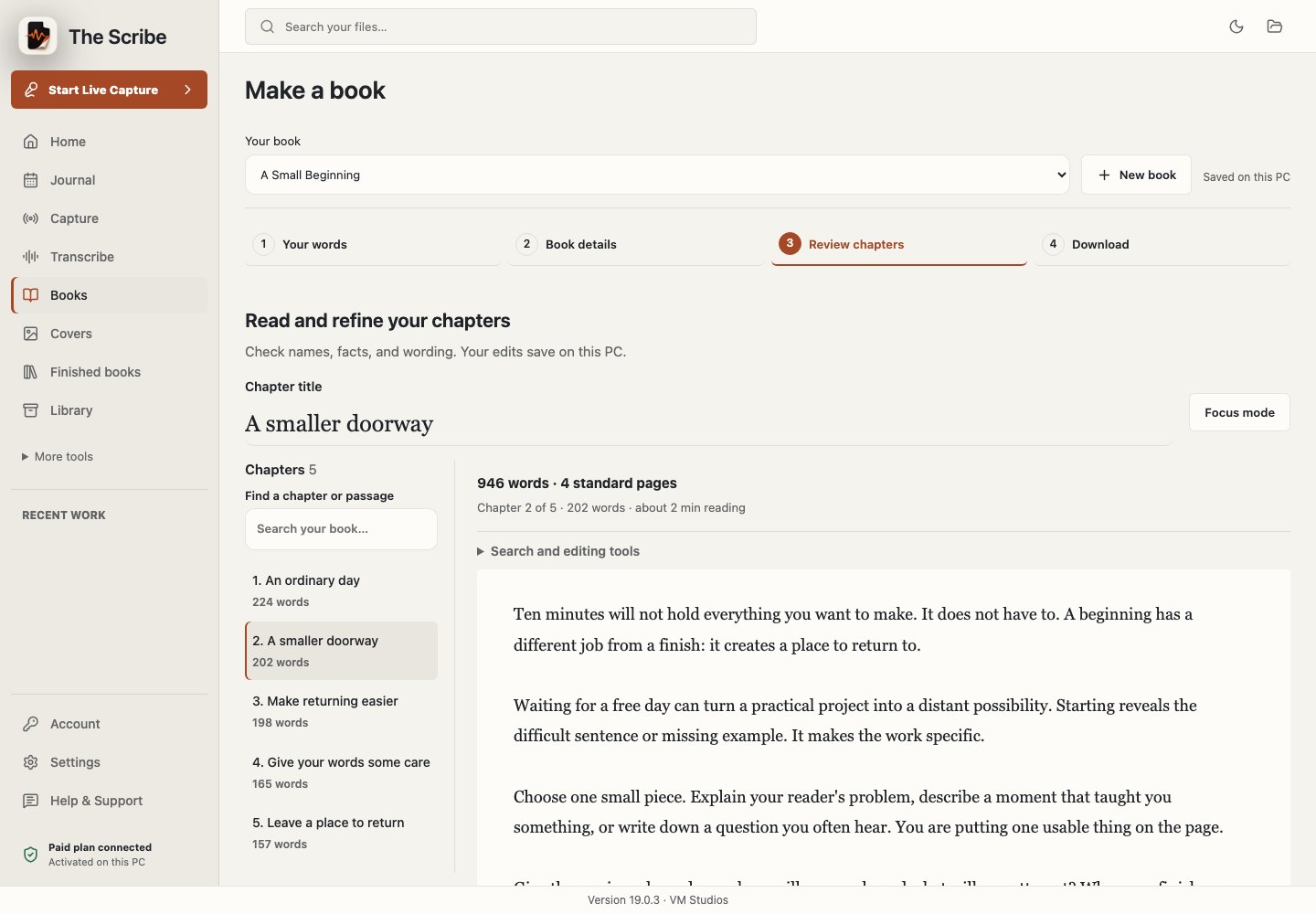
Everything between the first spoken sentence and a finished, distributable book lives in one focused workspace.
Watch a responsive waveform while The Scribe securely records the complete session, then transcribes with full context for better long-form accuracy.
Move from faithful grammar correction to expanded prose, deep editorial development, or an Uber ghostwriting transformation.
Organize recordings, transcripts, chapters, covers, exports, and revisions without losing the thread of a long project.
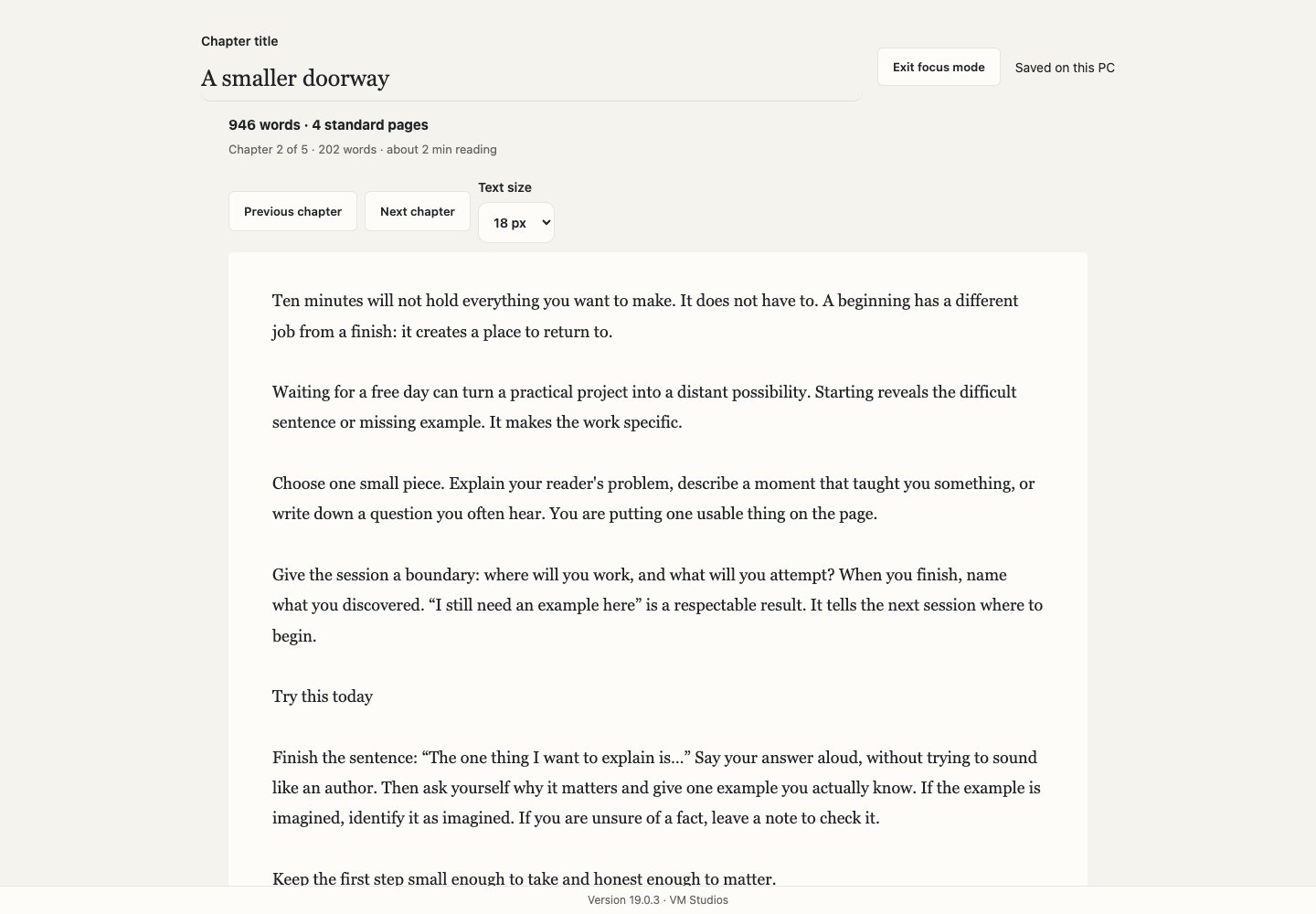
Arrange chapters, edit final prose, find and replace, revisit revision history, and prepare a coherent manuscript in one place.
Create premium cover concepts, preview narration voices, and export chapter-by-chapter audio alongside your finished book.
A carefully tuned adaptive interface supports bright offices, late-night writing, and your preferred macOS appearance.
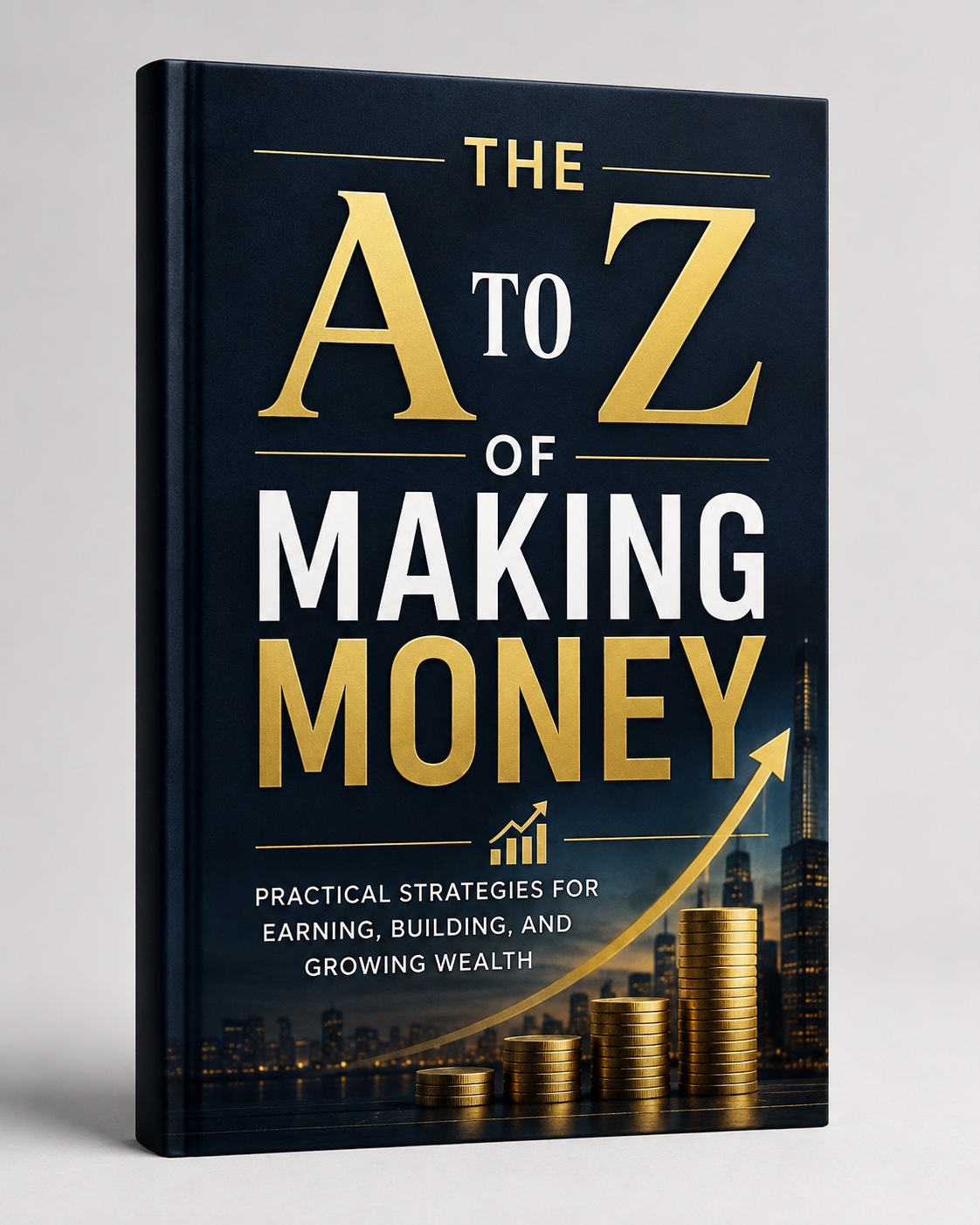
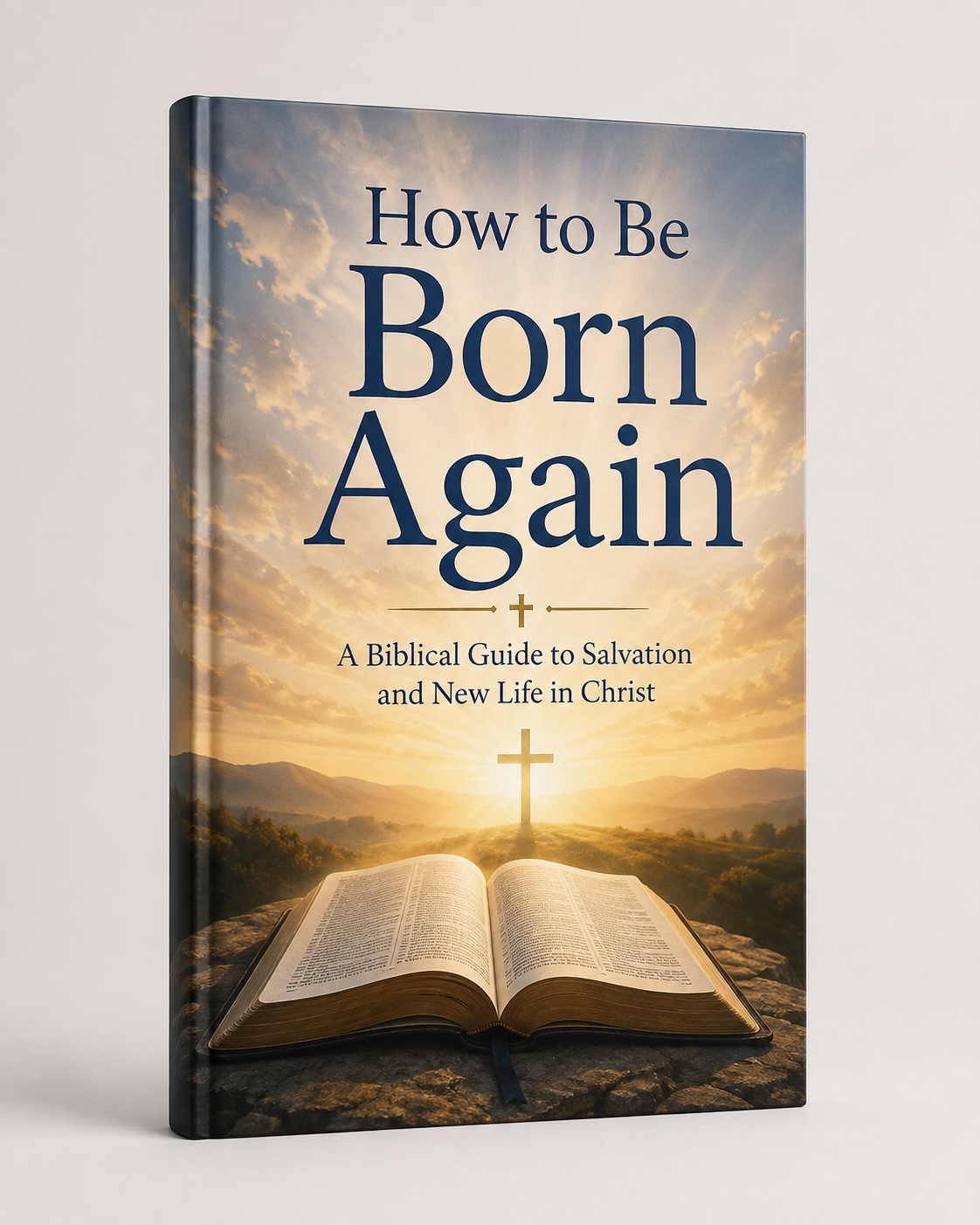
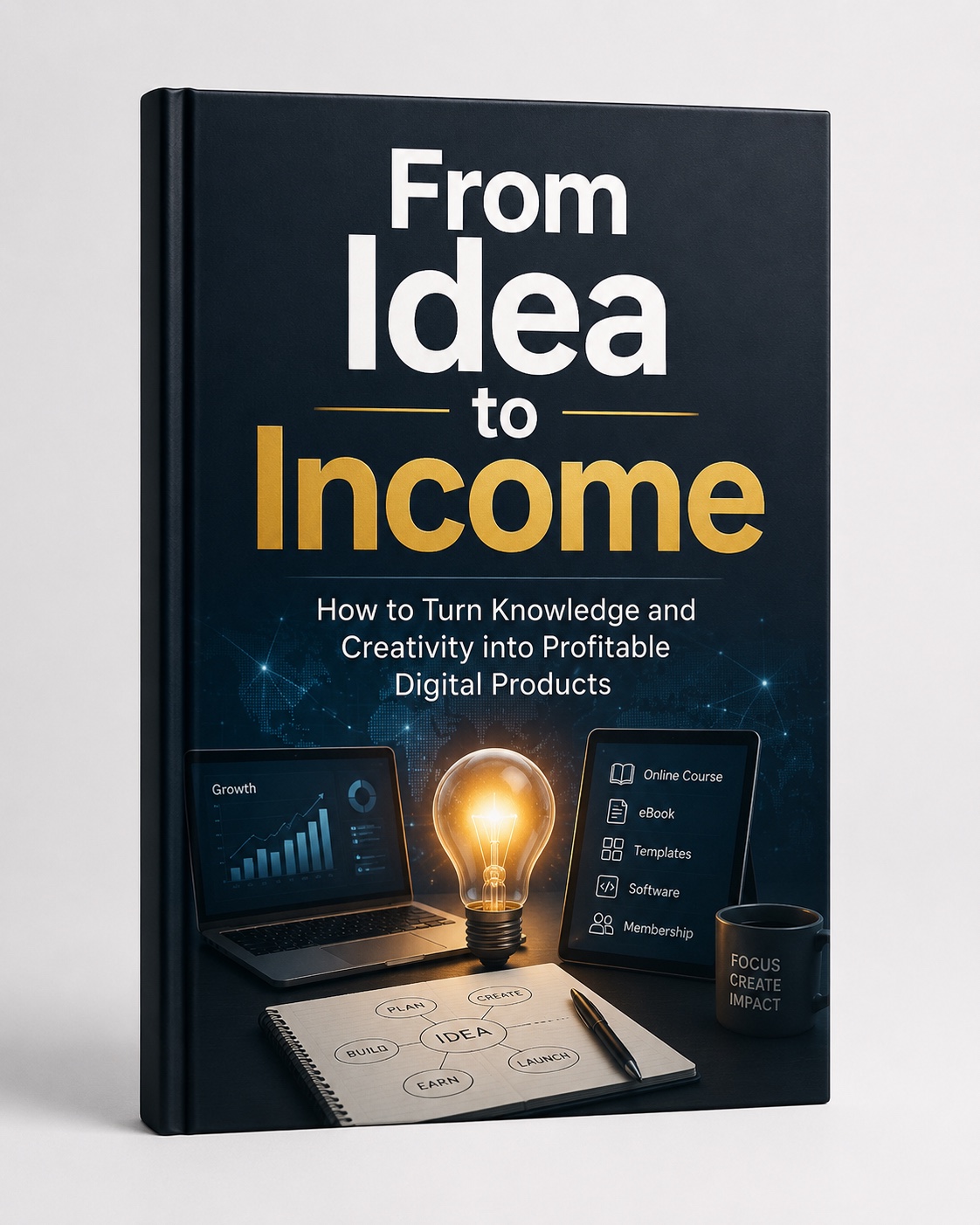
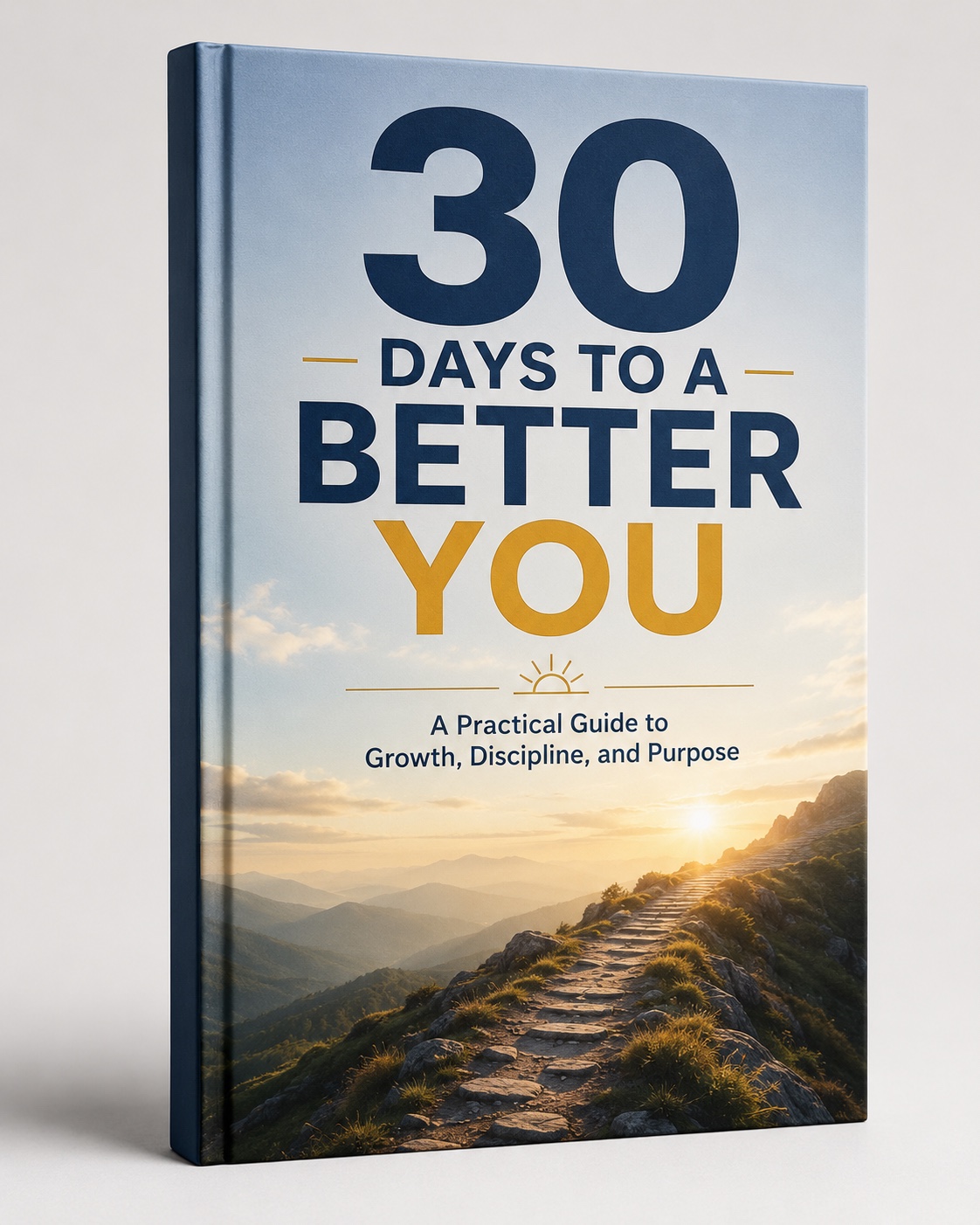
Every one of these began as a Sunday morning, an episode, a lecture. The Scribe heard them — and made them books.
Hover to browse the shelf · Real EPUBs ready for Amazon KDP & Apple Books · Print-ready 6×9 interiors
Five movements from voice to bookshelf — each one built into the app you can see below.
Paste a YouTube or podcast link. Drop in audio or video files. Batch years of recordings. Or start Live Capture and watch the studio waveform while The Scribe records the complete session. When you stop, it transcribes the finished audio in one high-accuracy pass, safely stores the transcript, and removes the temporary recording only after success.
“Ten years of preaching is a library waiting to be typed.”
Not a summary. Not a cleanup. Hand it one lecture and it returns a structured ebook — title, chapters, Reflection & Application, a final charge to the reader — with the speaker's conviction, rhythm, and fire intact. It even repairs what the transcriber mis-heard, using context. Four levels of polish let you choose how far the editor goes.
“The ebook must feel born from the lecture — never artificially rewritten.”
Choose your editor
Pick transcripts as chapters, reorder them, and let the offline AI design your cover — describe the feeling (“stormy sea at dawn, gold light breaking through”) and it chooses palette, motif, and mood, then paints a KDP-ready 1600×2560 cover. Read each polished chapter in the editable preview and press Save as Final — that exact text ships. Then export: EPUB that uploads straight to Amazon KDP and Apple Books, a print-ready 6×9 PDF with contents and page numbers, or Word. In English — or translated into any of 12 languages.
“AI drafts. You approve. The book ships your words.”
Pick any macOS voice, set the pace, and press Listen to audition it instantly. When it sounds right, The Scribe narrates the whole book — one track per chapter, free, private, on your Mac. And for the week ahead, one click builds the Content Pack: titles, quotes, posts, a YouTube description, a newsletter — all from your own words.
“…and heard in every car on the drive to work.”
“This is how your audiobook will sound. In the beginning was the Word…”
Chat with the on-device AI about anything — attach a transcript and dig in together: five title options, the weakest chapter, Sunday’s follow-up question, next month’s series. It runs entirely on your Mac: no account, no internet required, and your conversations never leave the room. It’s the same private model that polishes your books.
“Ask the sermon what it wants to become.”
🔒 Private and offline — the conversation stays on this Mac.
Repairs grammar, punctuation, repetition, and transcription errors without changing your ideas or voice.
Every plan unlocks the complete Author Pro studio. Choose the commitment that fits your work today—then create without feature limits.
For one project, a busy season, or getting started without a large commitment.
Secure checkout · License delivered instantly
For active authors and creators who want the strongest short-term value.
Secure checkout · Renews yearly · Cancel anytime
For professionals building a lasting library of books and recordings.
The Scribe runs locally, so your processor and memory directly improve long-session transcription speed. These specifications keep the experience smooth and dependable.
Apple Silicon M1 or newer · macOS 14 or later · 8 GB memory · 4 GB free storage.
Apple Silicon with 16 GB+ memory and 8 GB free storage for larger projects and best-quality local models.
Windows 10 version 22H2 or Windows 11, 64-bit · modern 4-core Intel or AMD processor · 8 GB RAM · 4 GB free storage.
Windows 11 · modern 6-core processor · 16 GB+ RAM · SSD with 8 GB free for long recordings and larger projects.
A microphone is required for Live Capture. Internet is needed for downloading, activation, updates, and optional cloud AI—not for core offline transcription.
Download The Scribe 3.3.3, bring one sermon, episode, lecture, or voice memo, and experience the complete path from waveform to publish-ready manuscript.
Not unless you choose it. Transcription, Polish, the included AI editor, and audiobook narration all run on your Mac. Cloud AI (Claude, ChatGPT, DeepSeek, Gemini) is optional and uses your own key — you stay in control of your words.
That's the whole design. “Keeping it Real” is instructed to preserve your conviction, rhythm, illustrations, and voice — and forbidden from inventing content or Scripture. You approve every chapter in an editable preview before anything ships.
Yes. Chat runs on the same open-source model that lives on your Mac — no account, no internet needed once it’s downloaded, and nothing you type is sent anywhere. Attach any transcript and work through titles, themes, and content plans in complete privacy.
Yes — pick any macOS voice and speed, press Listen for an instant sample, then export the whole book chapter by chapter.
On Mac: Apple Silicon M1 or newer, macOS 14+, and 8 GB memory. On PC: 64-bit Windows 10 22H2 or Windows 11, a modern 4-core Intel/AMD processor, and 8 GB RAM. We recommend 16 GB memory and an SSD for long recordings and larger local AI models.
Monthly at $29 is the easiest way to fund one project or creative season. Annual at $149 saves $199 versus paying monthly and supports 2 computers. Lifetime at $249 is the strongest long-term value: one permanent payment, 2 computers, and no renewal required.
You keep full access through the end of the paid billing period. Your projects and exports remain yours; after access ends, you can renew or move to Lifetime without losing your manuscript files.
Yes — EPUB uploads directly to Amazon KDP and opens in Apple Books; the print PDF is a proper 6×9 interior. The words are yours; so are the books and every dollar they earn.